Still life in these O’s! 😀⚾️
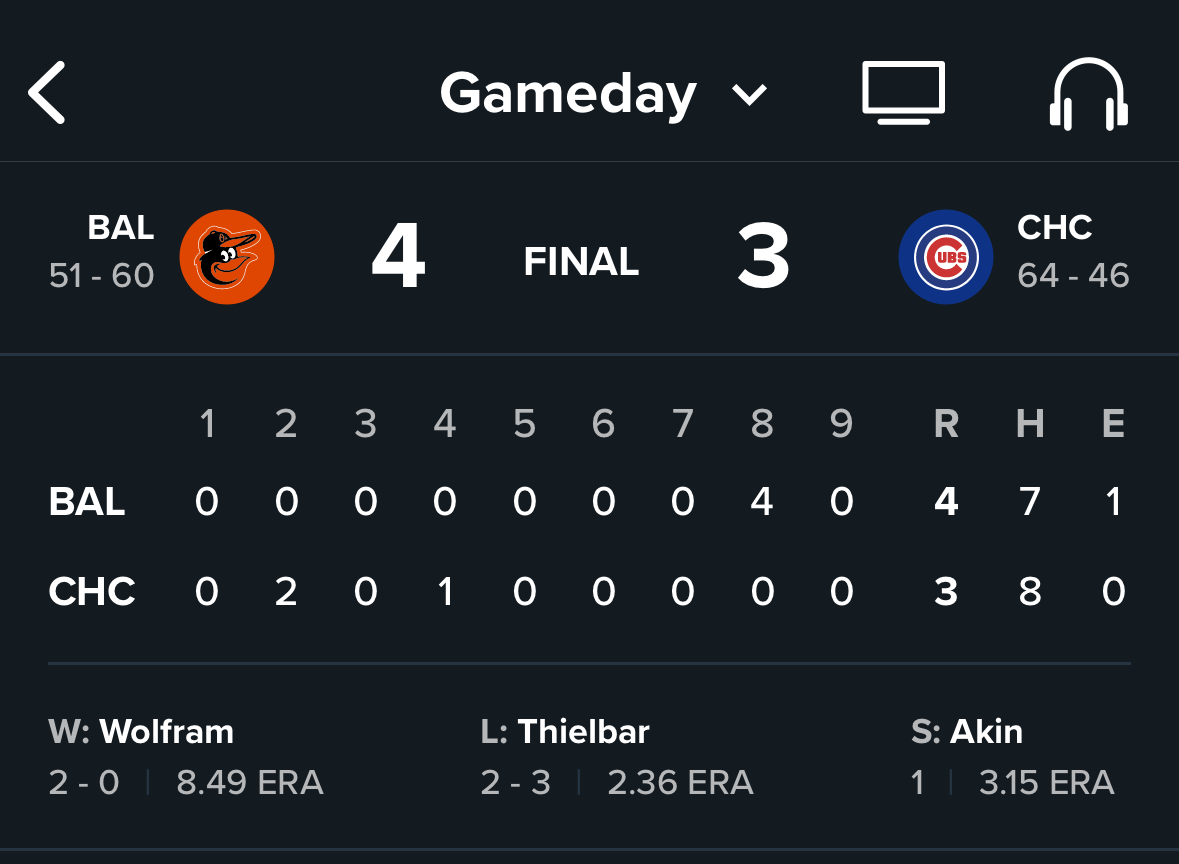
Still life in these O’s! 😀⚾️
The Corporation for Public Broadcasting, a cornerstone of American culture for three generations, announced Friday it would take steps toward its own closure after being defunded by Congress — marking the end of a nearly six-decade era in which it fueled the production of renowned educational programming, cultural content and even emergency alerts.
From today’s Baltimore Sun. Seems like the marking of an era. (link)
Now for yet another Markdown ‘cheat sheet’ – This one in video form from the folks at iAWriter:
New ones to me that I may start trying to use more regularly:
Headers using the # sign
Checkbox list using [ ]
Highlighted text using double =
Inline or reference footnotes with ^
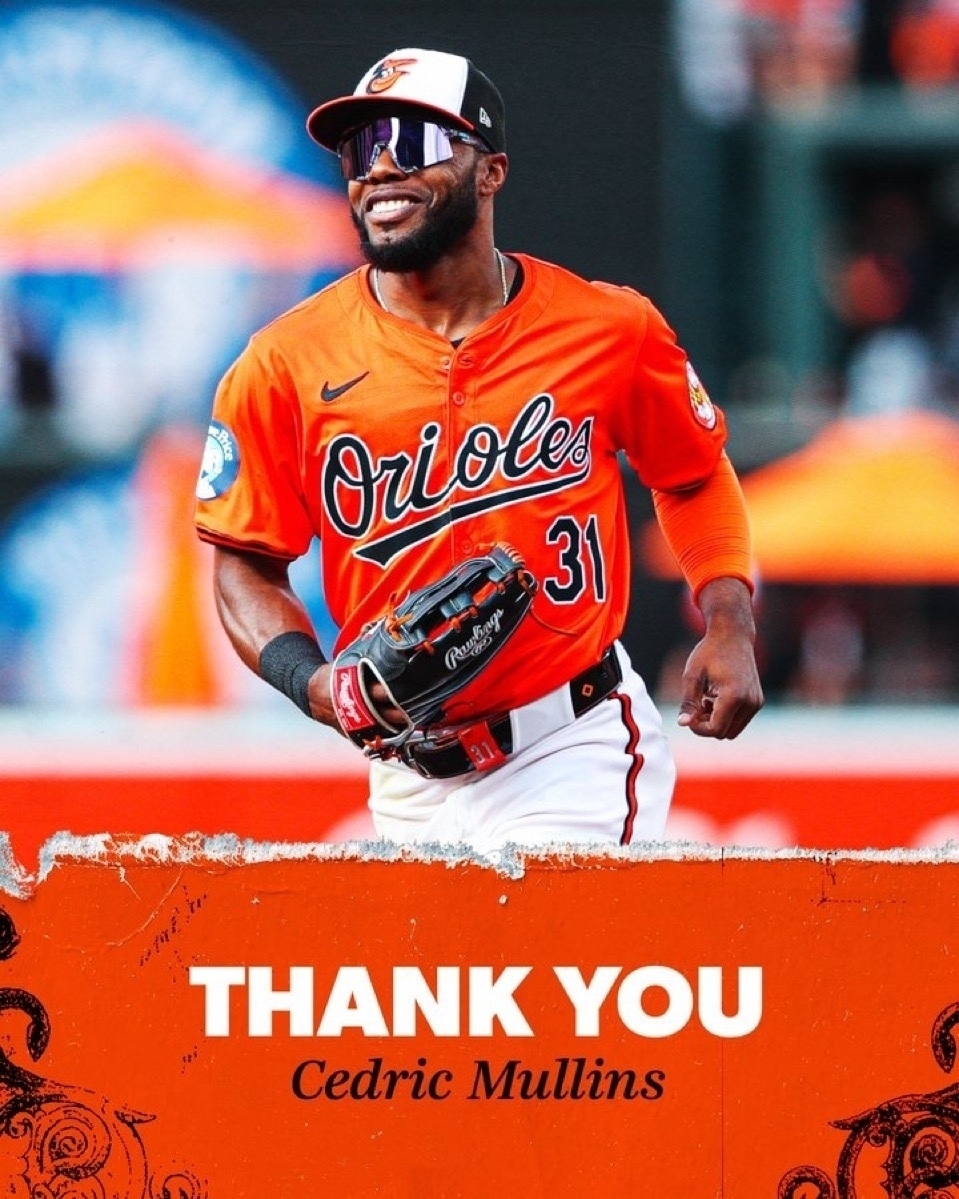
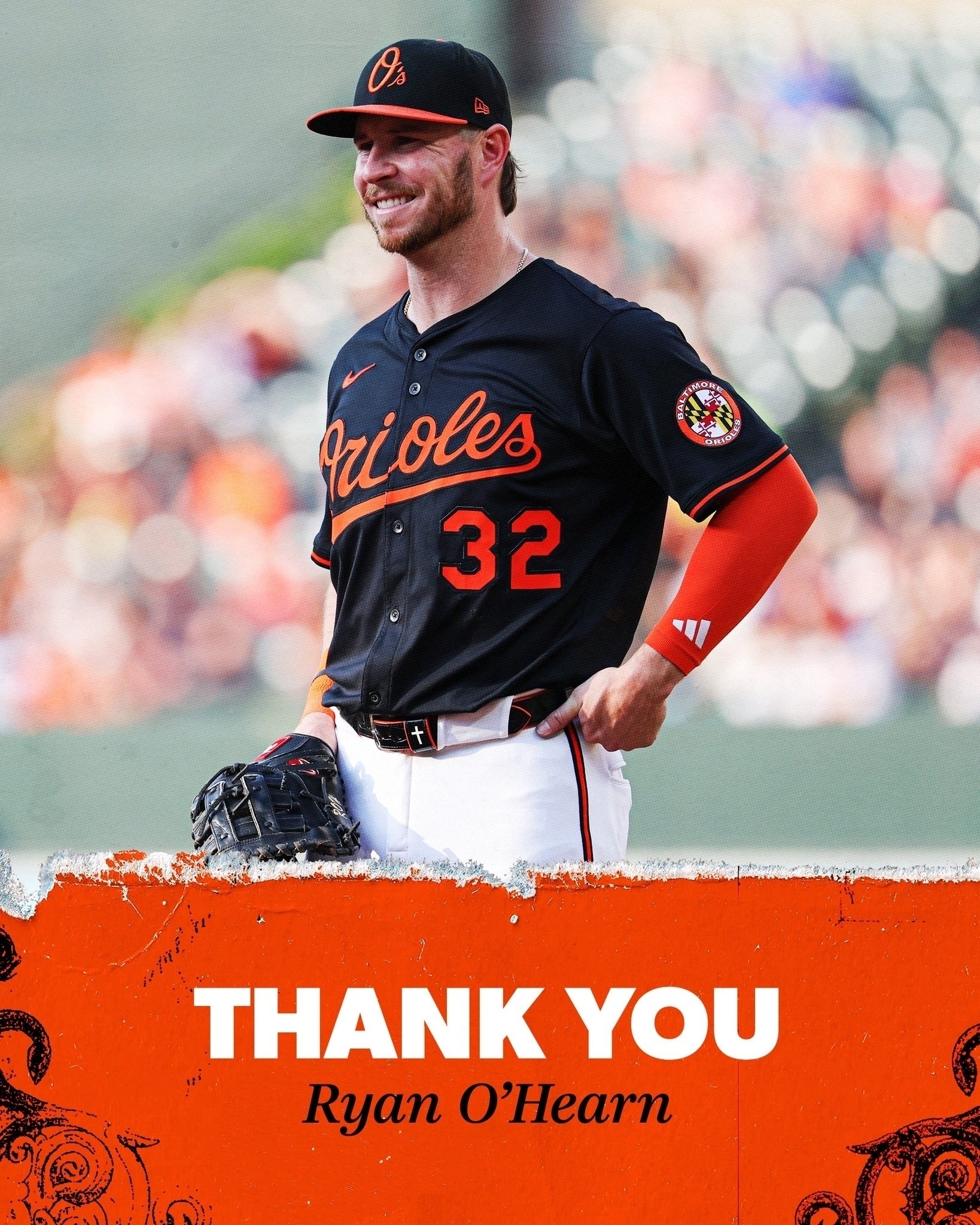
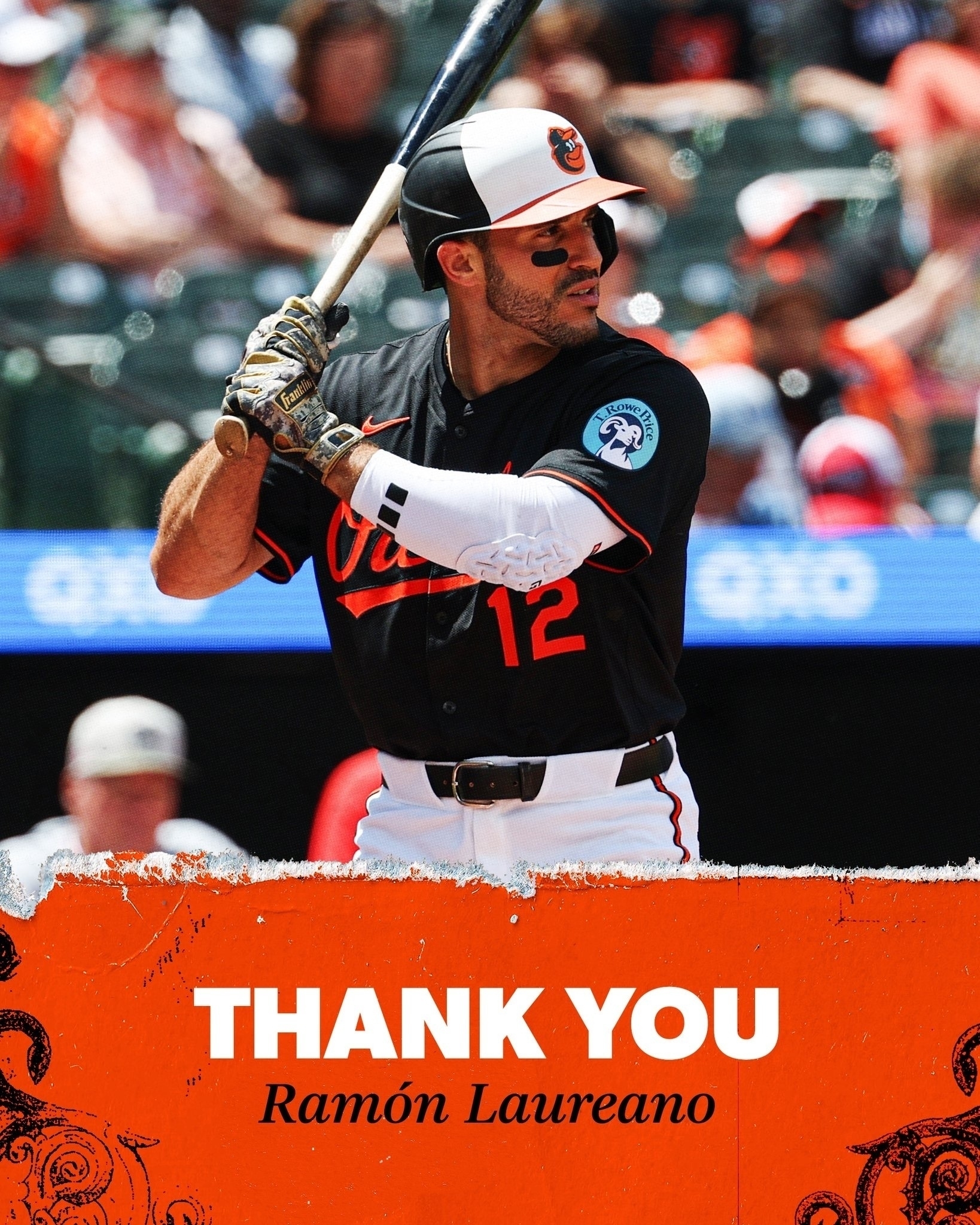
Sad to see these guys go 🥃 ⚾️ O’s

Follow-up post: I did end up purchasing iAWriter for Windows and attempting to work cross-platform with my already-purchased iOS version on my iPhone and iPad.
Related observations so far:
The Windows version isn’t nearly as sleek in appearance as the iOS version, but perhaps that’s to be expected.
And it is oddly a somewhat different user experience on a desktop Windows versus mobile Apple, despite essentially the same basic feature set.
Which brings me to some feature differences: You can publish to Micro.blog from the iOS app, but not from the Windows version. So I can compose from my Windows desktop, then need to toggle over to my iPhone if I want to ‘seamlessly’ push to Micro.blog.
Which also brings me to iOS syncing snags I’m running into. As I’ve discovered, these aren’t iAWriter driven, but iOS driven. Apparently the iOS file system has complications such that other file sources (like Dropbox, OneDrive, etc.) aren’t seamlessly updating. I configured iAWriter to use my existing free Dropbox account, and when writing on Windows it syncs fine to Dropbox, but then it isn’t automatically sync’ing the next step to my iOS device. If I open the iOS Files app and go the Dropbox folder and jigger a bit, I can force a sync eventually, but it’s frustrating and distracting from what I’m trying to do.
Apparently iCloud works better since it’s Apple’s own (and one wonders if that’s part of the intent), so while I was hesitant to install iCloud for Windows, I may go that route if it’s gonna save me constant headache.
Lastly, I’ve also migrated even further into Markdown as a default format for me (rather than TXT), or at least I’m gonna try to see how it goes.
That’s it for now!
Time for the periodic revisit of text and text composing editors across the platforms I use: iOS and Windows.
For iOS, I’ve most recently been using and like iAWriter (for simpler composition) and Scrivener (for more elaborate composition). (Note: Looks like there’s a poser app also title Scrivener out there, so be sure to go to Literature & Latte site for the real deal.)
For Windows, I’ve used CrimsonEditor which is now fading, hence the search. Currently evaluating Notepad++ as a replacement.
Tempted to pay for the Windows version of iAWriter ($29.99) and potentially appreciate the interplay across iOS and Windows. Also tempted to rely on Evernote for composition (since I already pay for it) to also achieve seamless composing regardless of what platform I’m sitting in front of at the time.
Let’s see what happens …
Thought:
As we automate as much as possible with technology, including AI, we leave ourselves with just the ‘hard stuff’ – It’s exhausting going from one ‘big problem to figure out’ to the next with no monotony in between.
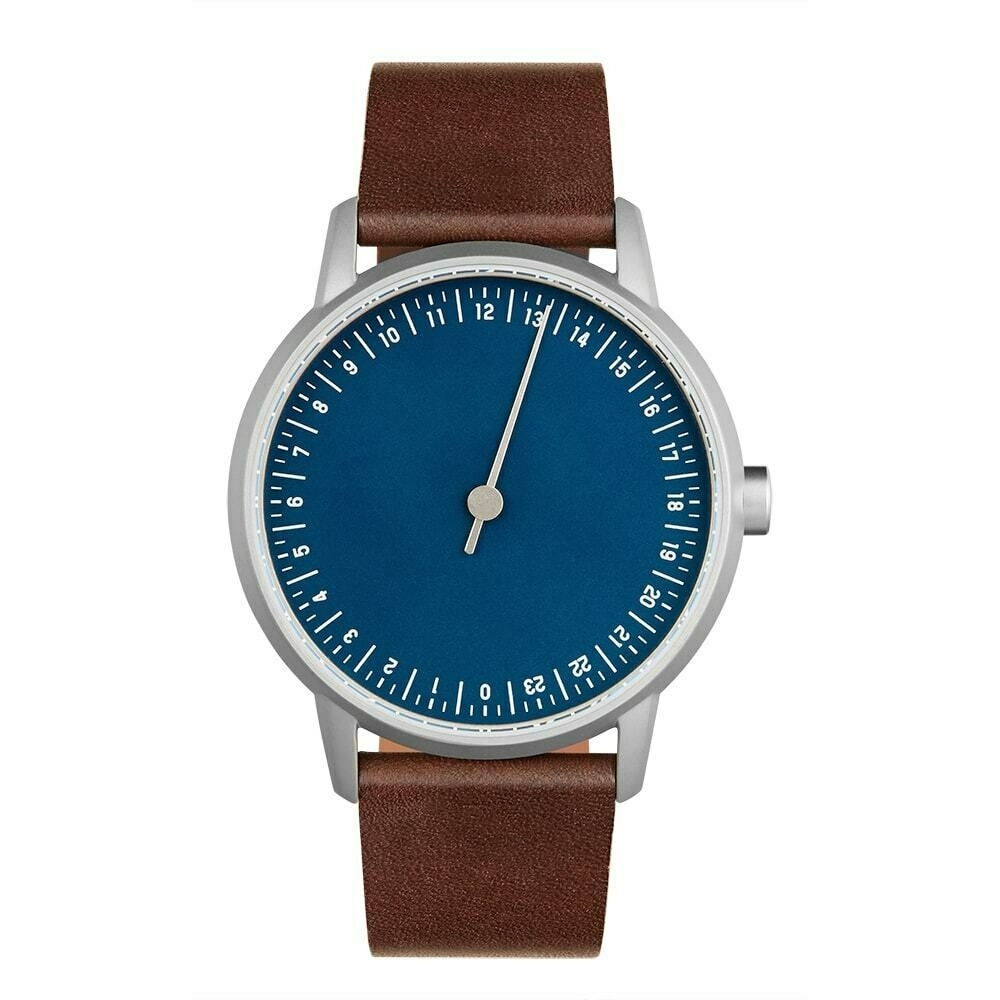
I’ve been a Slow Watch fan for awhile now and have enjoyed my Slow Mo 08 (34 mm).
But, as the advent of ‘readers’ age in life emerges, a larger dial is quickly becoming a need. (Combined with the fact my Slow Mo 08 seems to not be working even with a battery replacement.) :/
Enter, Slow Round 13.
(And the 30-day return policy makes perhaps worth a jump to see how much more ‘visible’ it is to me.)
Hmm…
UPDATE: I tried, and certainly still like the look of the watch – But the tickmarks were still too small for my ‘readers’ eyes even with the enlarged face, so I had to return. It’s been hard to find a suitable 24-hour dial replacement, so I’ve recycled a 12-hour dial Wenger that was a high school graduation gift from my parents. Good memories and touchstone to their presence in my life, and I will have to say my brain is still adjusting back to a 12-hour dial. :)
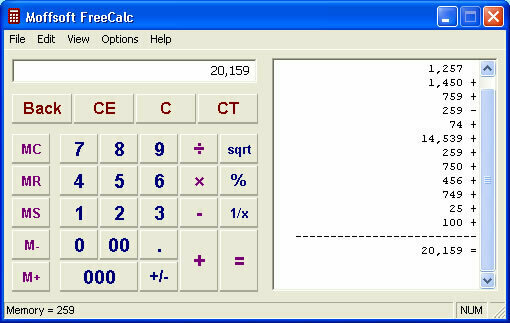
Okay, this may be as old-school Windows as it gets …
But I really came to like this free calculator app (in large part since I can cut & paste the calculator tape into other documents), that I’ve continuously carried it forward for years (despite the fact that it looks circa 1990s)
If of use to you too, herewith, Moffsoft Free Calc. :)
What does it look like when a deeply talented singer-song writer doesn’t take himself too seriously? — Ben Rector in “Praying for Me” (off his new album, Richest Man in the World).